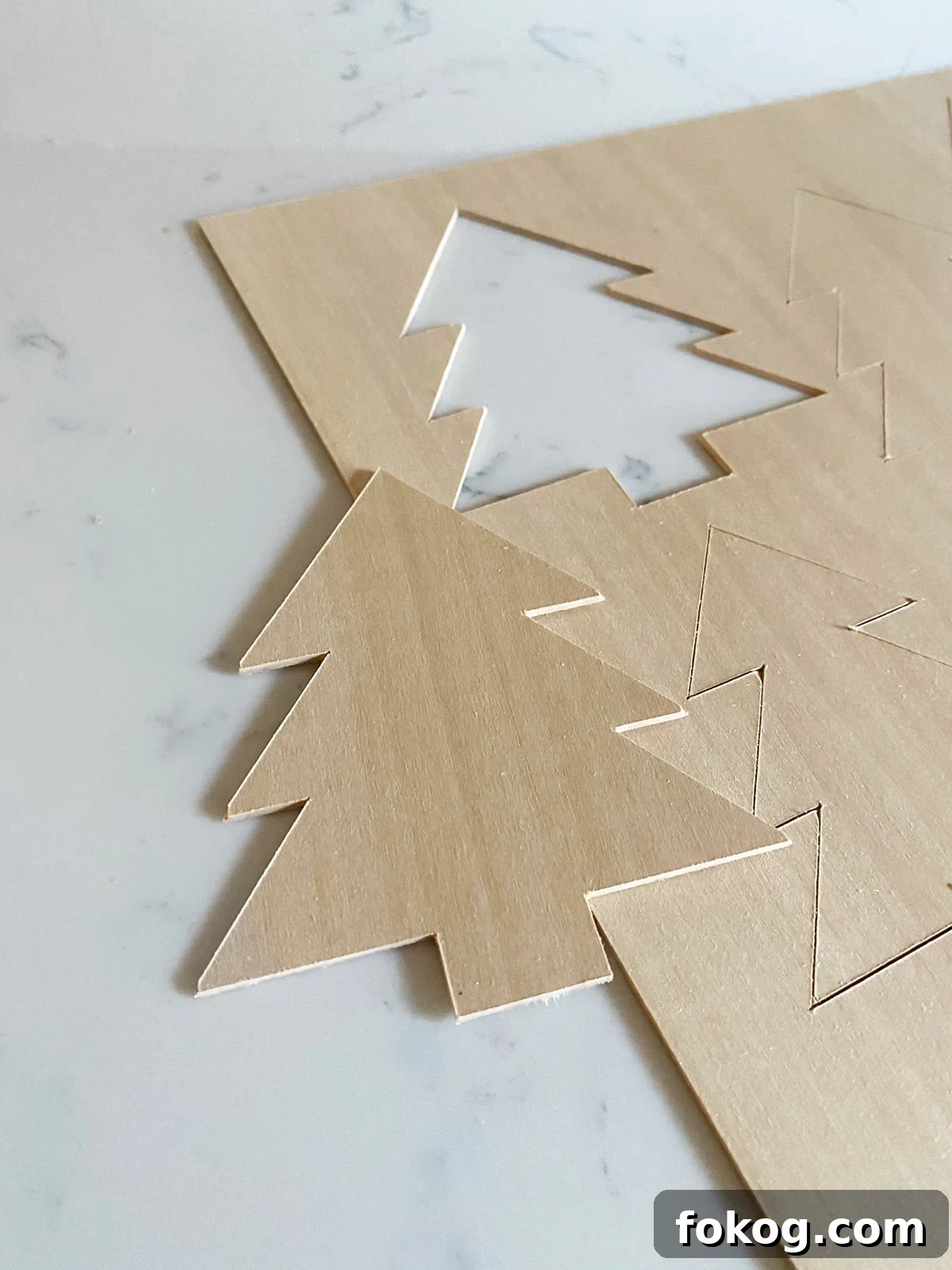
A step-by-step tutorial on cutting basswood with a Cricut Maker and the Knife Blade
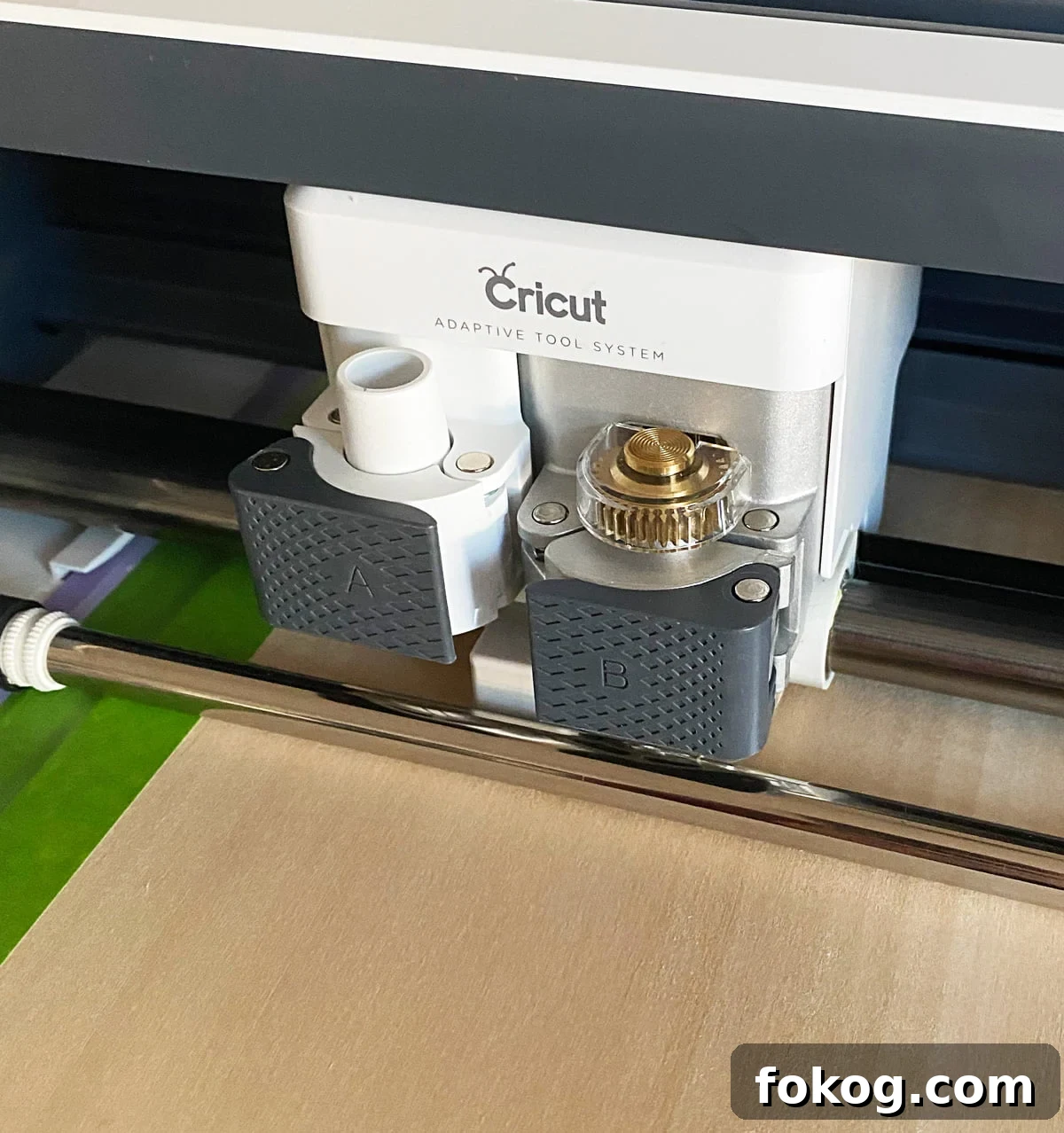
Your Cricut Maker can cut thin wood such as basswood with the right tools and setup. The key items are a StrongGrip mat, painter’s tape to secure the piece, and the Knife Blade for deep, accurate cuts. The Maker’s adaptive tool system allows it to cut thicker materials than Cricut’s other machines, making it suitable for basswood, chipboard, veneer, leather, and more.
If you want inspiration, see the ornaments I made from basswood in my project gallery.
Have a Cricut but don’t like designing?
Consider joining the monthly SVG club to receive ready-to-cut files and access live craft nights in the members-only Facebook group.
This post contains affiliate links.
What is basswood?
Basswood is denser than balsa and has a smooth, even grain that yields clean cuts and precise edges. It is an excellent choice for models, puzzles, ornaments, and small boxes. Basswood finishes well with paint or stain and typically does not require sealing before finishing.
What kind of wood can the Cricut Maker cut?
- Basswood
- Balsa wood
- Veneer
How thick of a wood can the Cricut Maker cut?
The Cricut Maker can cut materials up to 2.4 mm (3/32 inch) thick. Note that Cricut-branded basswood is available in 1/16″ thickness; if you buy other basswood, check that it matches available settings in Design Space, typically 1/16″ or 1/32″.
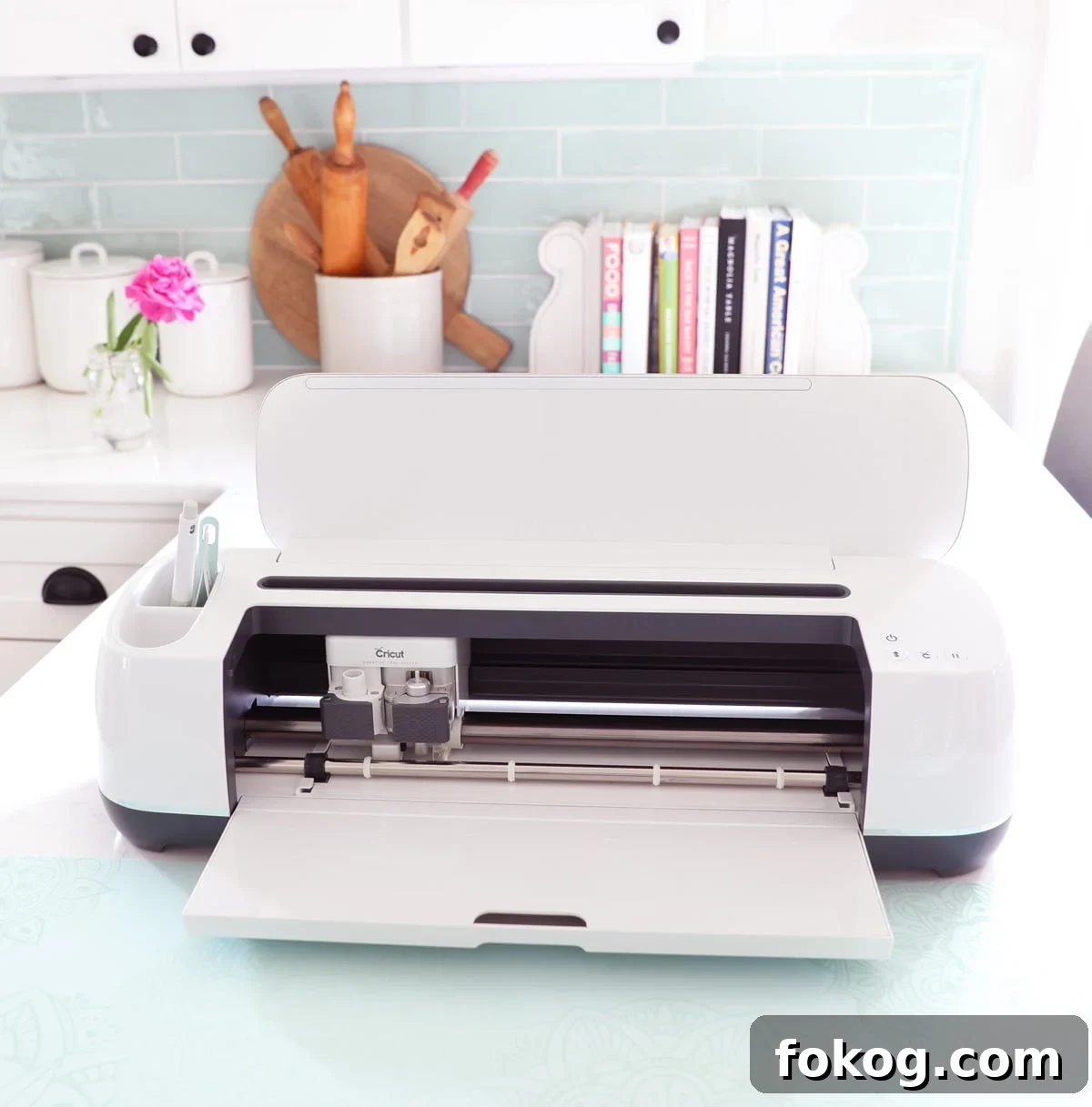
Things to note about cutting basswood
Keep these practical tips in mind when cutting basswood to protect your blade and get clean results:
- Maximum workable cut area depends on mat size: typically 10.5″ x 11.5″ or 10.5″ x 23.5″.
- Minimum cut size is about 0.75″ x 0.75″, including interior and exterior cuts.
- Feature widths should not be smaller than a pencil’s diameter to avoid breakage.
- Keep cuts at least 1/4″ away from the basswood edge to prevent blade damage or tearing.
Recommended mat: Strong Grip Mat for secure adhesion.
What you’ll need
- Cricut Maker
- Strong Grip Mat
- Basswood sheets (1/16″ or 1/32″ to match Design Space settings)
- Knife Blade
- Painter’s tape
Step 1: Choose a simple design
Pick or create a design with relatively simple shapes for best results. Dense detail increases cut time and the chance of breakage. Remember the design limits:
- Minimum cut size: 0.75″ x 0.75″.
- Minimum feature width: about a pencil diameter.
- Keep any cuts at least 1/4″ from the wood edges.
Step 2: Set material
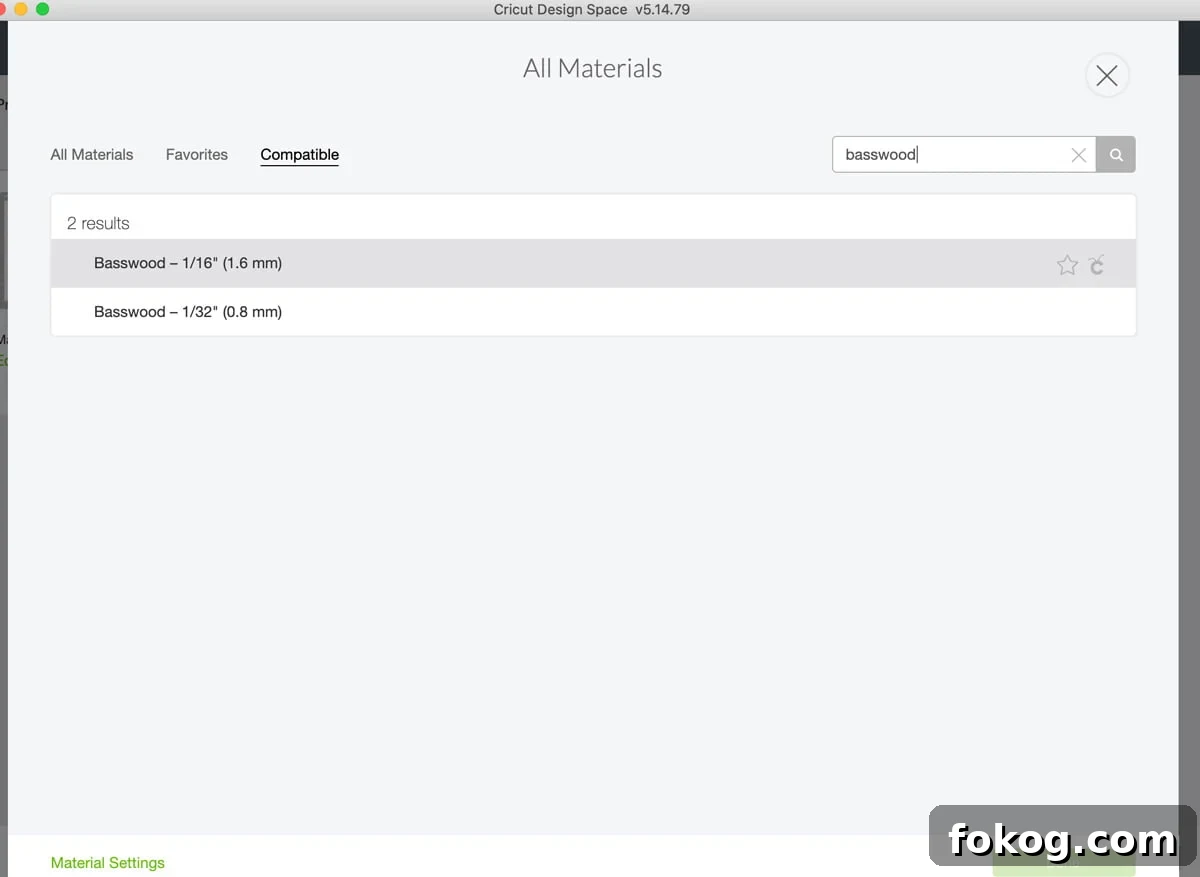
In Design Space, click Continue and then Browse All Materials. Search for “basswood” and select the appropriate setting. Basswood cuts take longer than standard materials, so use a computer connection when possible to avoid losing Bluetooth connection during long jobs.
Step 3: Tape basswood to mat
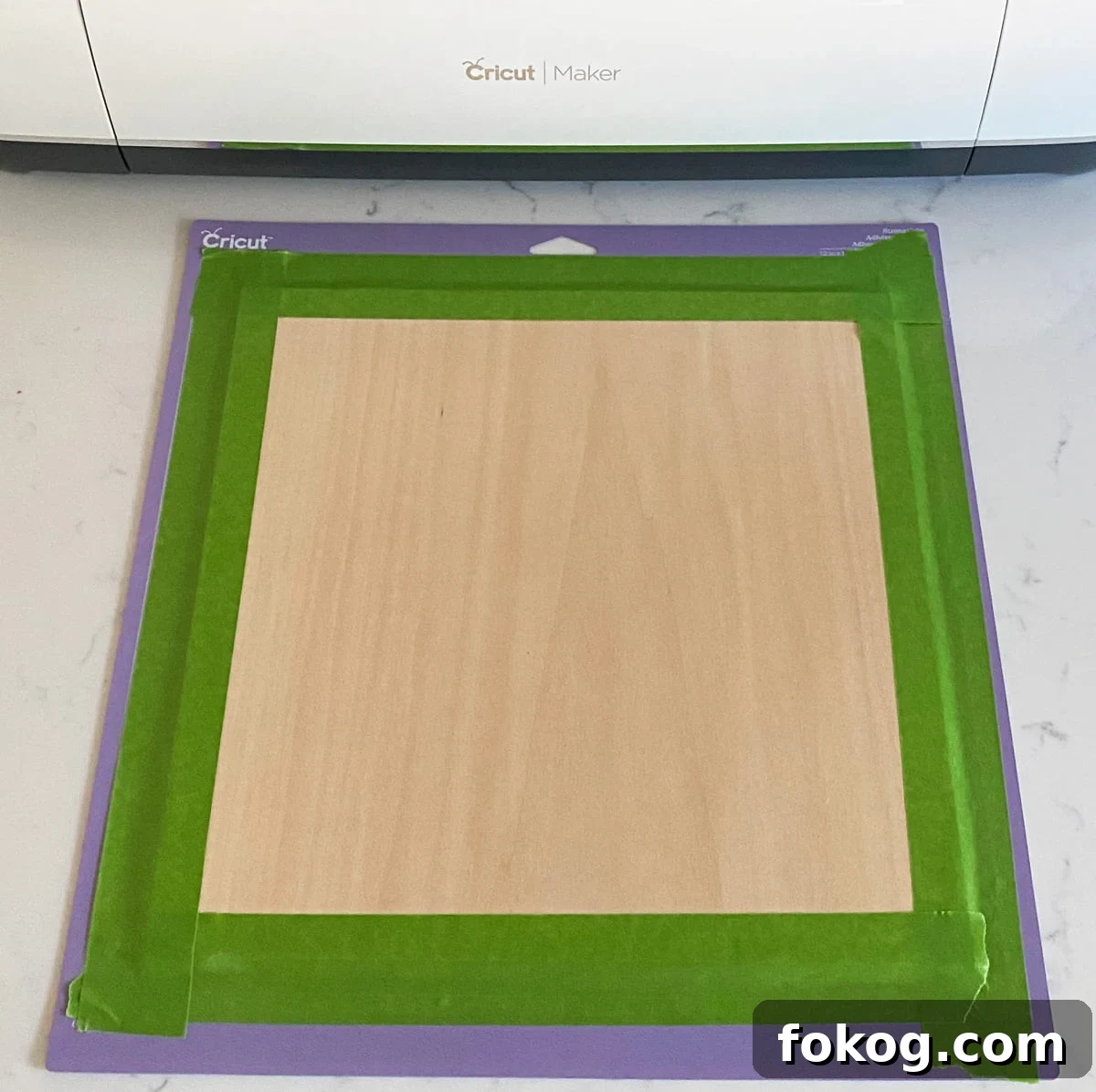
Secure the basswood to a Strong Grip mat using painter’s tape around the edges. Place the sheet aligned to the right side or according to your design placement. Taping prevents shifting during the multiple passes required to cut wood.
Step 4: Knife Blade
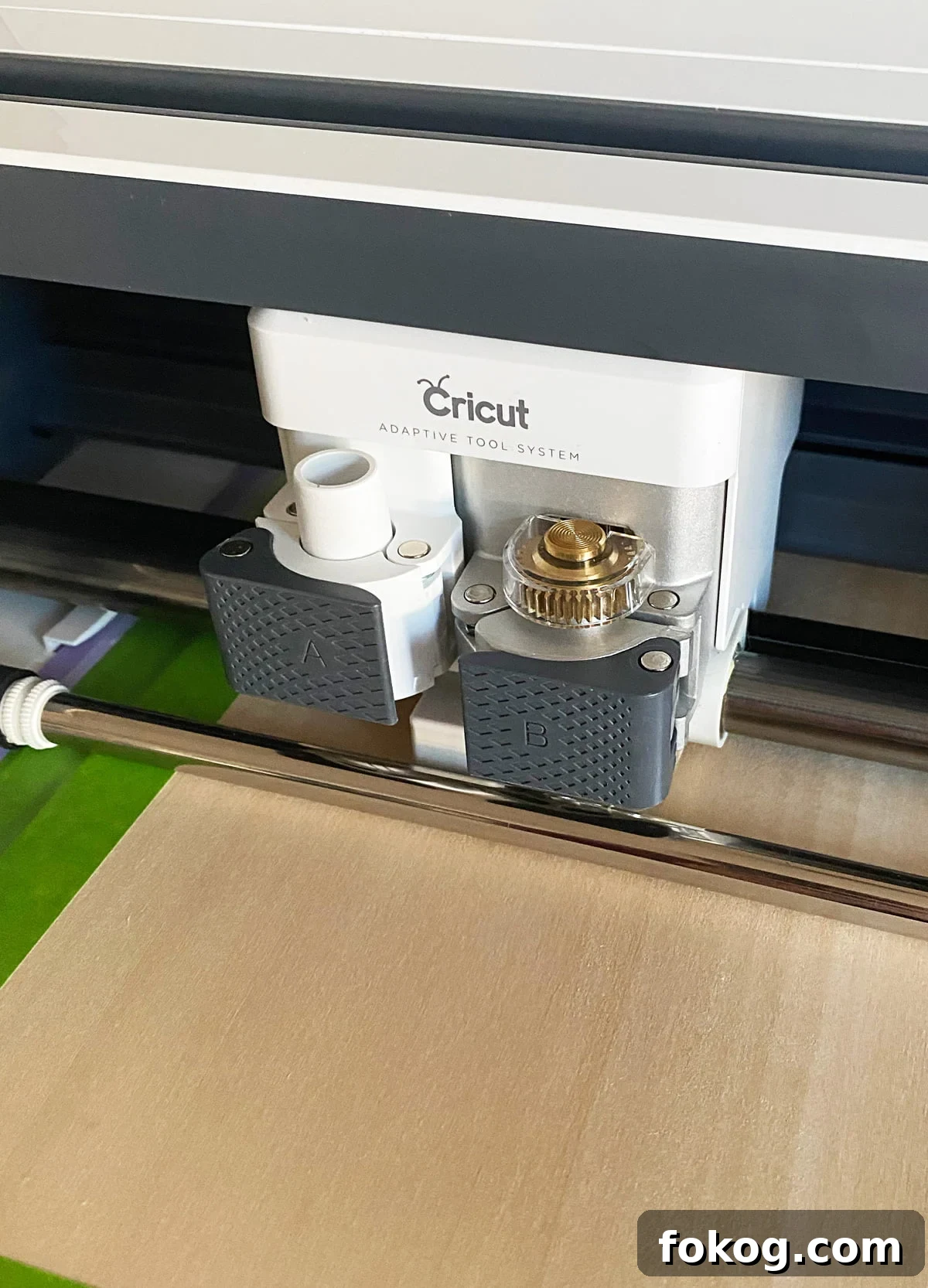
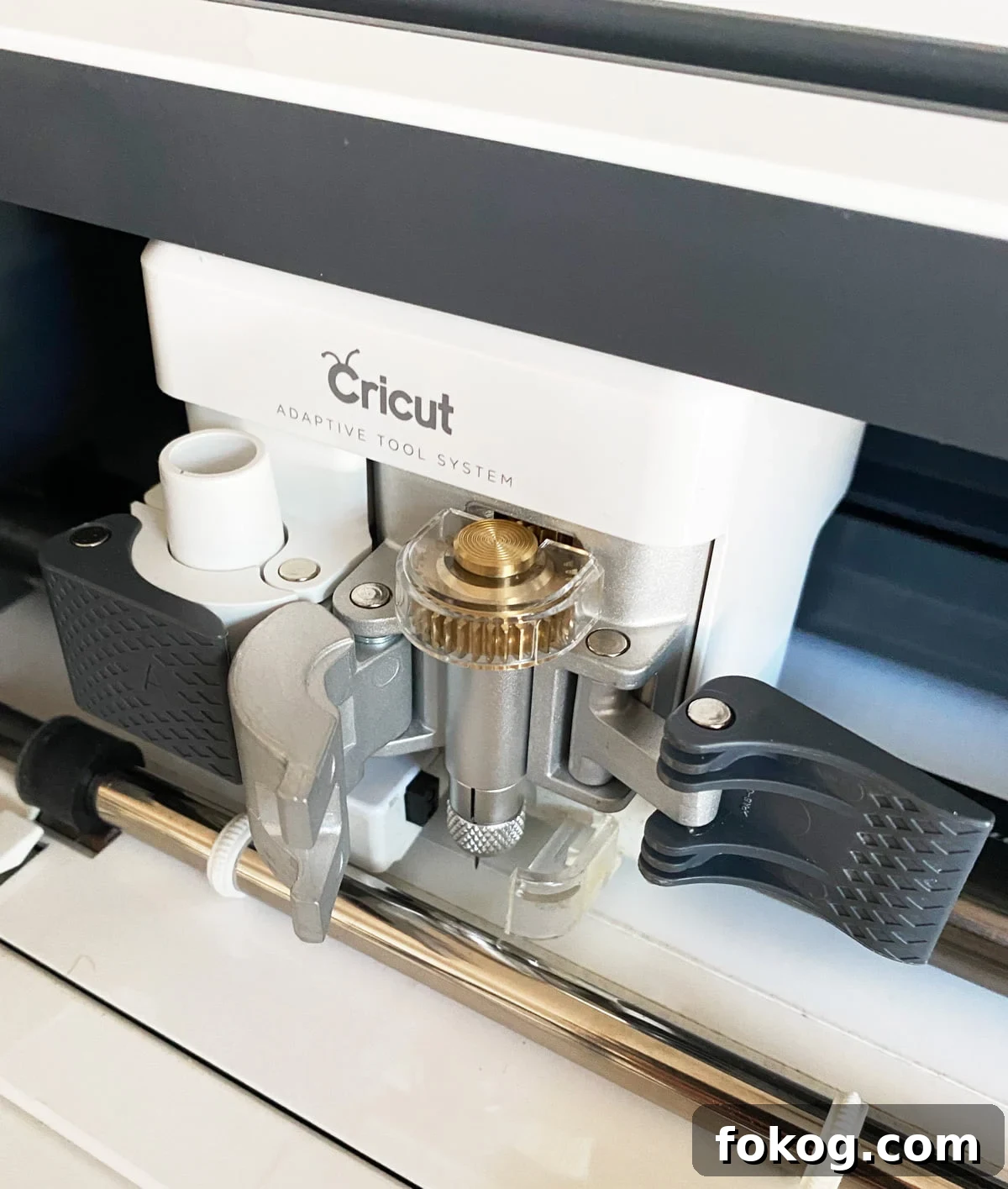
Install the Knife Blade in clamp B according to the machine’s instructions. Remove the blade cap, place the blade into the slot so it seats correctly, and close the clamp. If this is your first time using the Knife Blade, follow the calibration steps in Design Space to ensure accurate cuts.
Step 5: Cut basswood
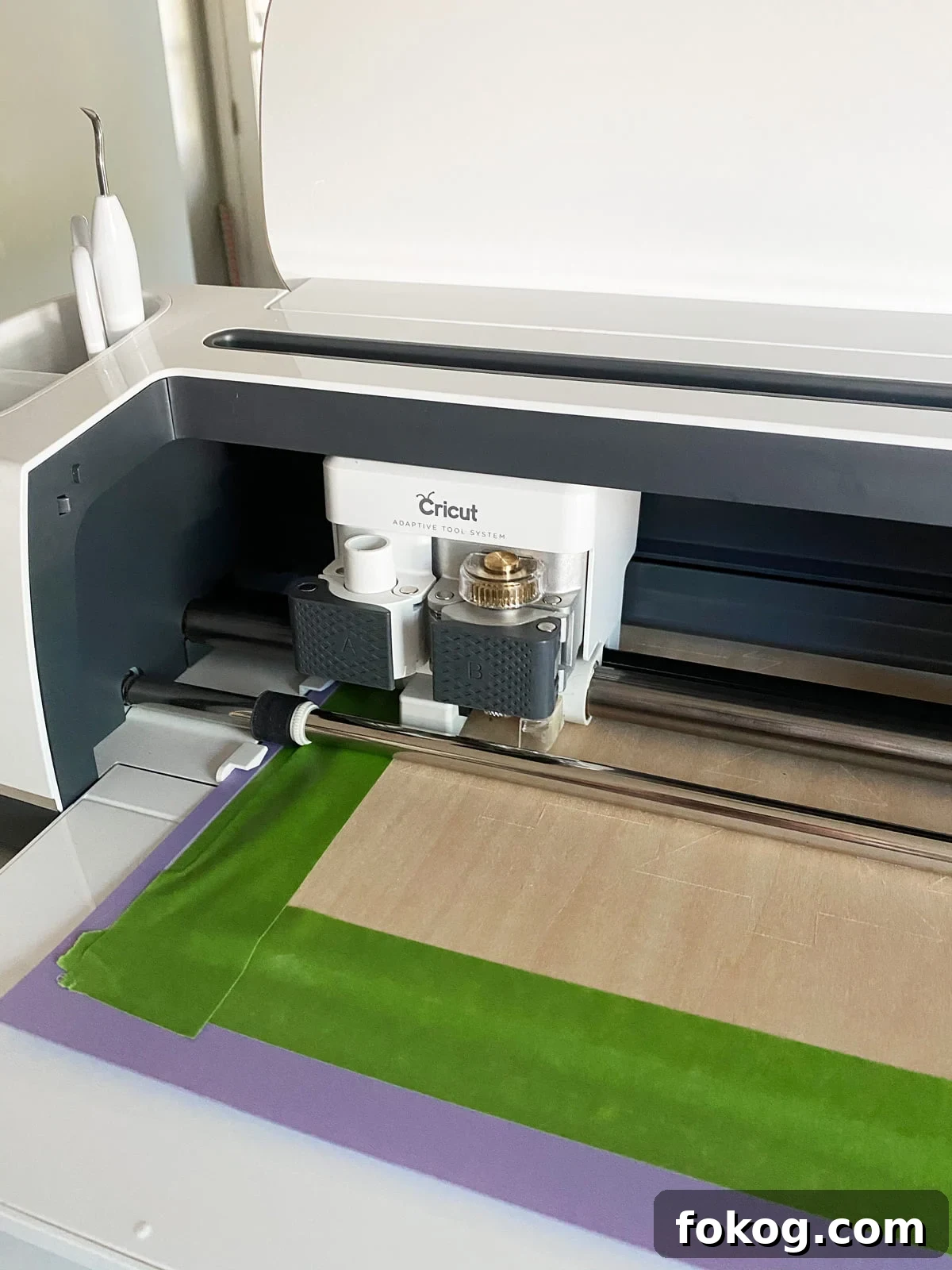
Load the taped mat into the Maker by aligning it with the guides and pressing the load button. When the Machine’s C button lights up, press it to begin cutting. The Knife Blade performs multiple passes to cut through the wood; the number of passes depends on thickness and design complexity. Expect longer jobs—these cuts can take around 45 minutes or more.
Step 6: Final step
After cutting, carefully remove the painter’s tape and flip the mat over to release the basswood. Gently pop out the pieces. If an area is still attached, use an X-Acto knife to finish the cut on a self-healing cutting mat to protect your work surface. A dull Knife Blade can leave incomplete cuts, so replace it when necessary.
With proper setup and patience, the Maker produces clean basswood pieces suitable for painting and finishing. I was pleased with the results—see the ornaments I created using basswood for an example.